Best Telegram Auto Reply Bots: A 2026 Pro Comparison
Last updated: October 2026
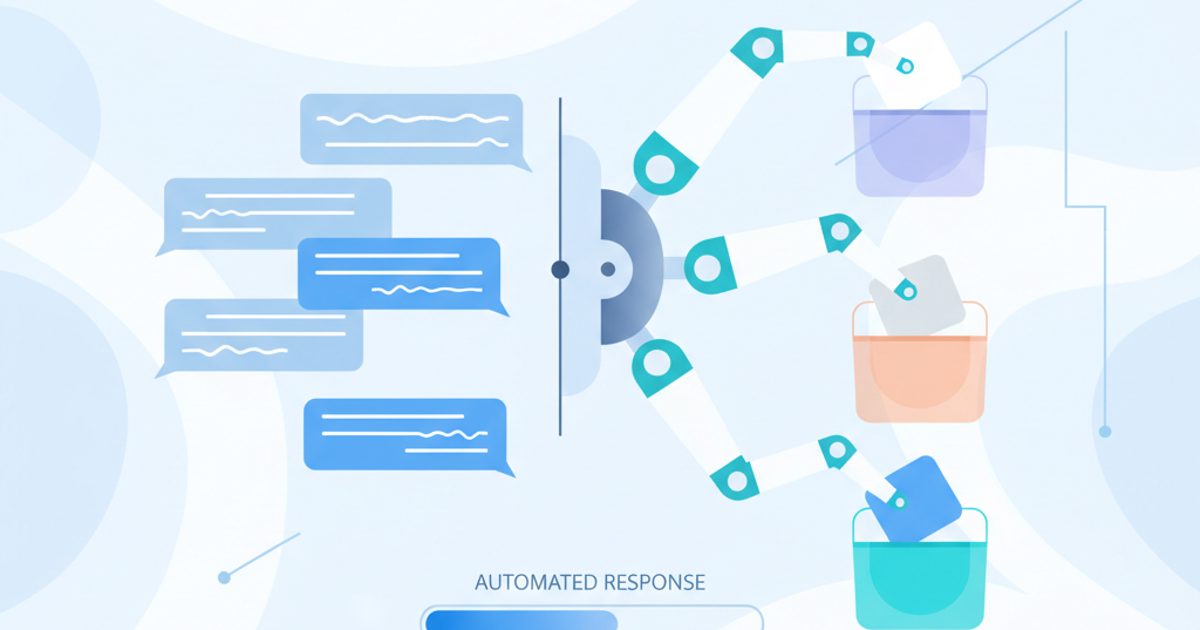
Finding the best Telegram auto reply bot is not about a single product. It's about matching a tool's features to your goals, from simple keyword responders for lead funnels to NLP-driven agents for enterprise support. Key differences are API stability, the complexity of keyword triggers, and integration with external systems like CRMs.
Telegram auto reply bot: A software application that automatically responds to messages in Telegram based on predefined keywords or rules. Businesses use these bots to scale communication, provide 24/7 support, and qualify leads without constant manual intervention.
Key Takeaways
- Audit Inbound Messages First: Before selecting a bot, analyze your message history to identify the 5-10 most common inquiries. This data defines your required trigger logic.
- Prioritize API Stability: A bot that misses messages or hits Telegram's rate limits is worse than no bot at all. Evaluate how a provider handles API errors and call frequency.
- Test Triggers in a Sandbox: Always deploy a new auto-responder in a private test channel first. This prevents embarrassing or incorrect public replies while you fine-tune keywords and flows.
- Evaluate Integration Hooks: A standalone bot has limited value. The best tools connect to your wider workflow, using webhooks or direct integrations to pass lead data to a CRM or support tickets to a helpdesk.
- Monitor Bot Performance: Track your bot’s false positives (replying incorrectly) and missed queries. Effective automation requires ongoing adjustment, not a one-time setup.
How Do the Top Telegram Auto Reply Solutions Compare?
A bot's trigger intelligence and reliability determine its effectiveness. For example, cheap, script-based responders often fail under load or get flagged by Telegram's anti-spam systems. Professional tools, in contrast, are built for stable, high-volume interaction. Here is how the leading options compare.
| Option | Trigger Logic | Integration | Best for |
|---|---|---|---|
| tgsoft Multi-Account Manager | Advanced (Keywords, regex, user attributes) | Native Telegram integrations, CRM via webhooks | Agencies & resellers managing multiple accounts |
| ManyChat | Visual Flow (Keywords, sequences) | Limited on Telegram; Zapier | Marketers needing visual builders |
| Chatfuel | Visual Flow (Keywords, AI suggestions) | Limited on Telegram; Zapier | Small businesses needing quick setup |
| Custom Python Bot | Code-based (Unlimited flexibility) | Any API-accessible service | Developers needing full control and custom logic |
| Google Dialogflow | NLP/NLU (Intent, context, entities) | Google Cloud, enterprise systems | Large-scale support operations with complex queries |
Which Auto-Reply Bot Is Right for Your Business?
The difference between a simple script and a professional automation tool lies in reliability, scalability, and the ability to avoid detection patterns that can harm your accounts.
900 million people use Telegram every month, with the platform on track to reach a billion users within a year., Pavel Durov, 2024
Why Use tgsoft Multi-Account Manager?
The tgsoft Multi-Account Manager is engineered for operators managing multiple Telegram accounts or channels at scale. Its auto-reply function is part of a larger automation suite. The trigger system goes beyond simple keywords, allowing complex rules based on regular expressions (regex), user join dates, or message history. This sophisticated approach prevents the bot from firing on ambiguous queries.
Its primary advantage is its deep integration with the Telegram platform. The app manages API calls efficiently to stay within rate limits, reducing the risk of account soft-blocks. For agencies and resellers, the ability to control multiple bots across different accounts from a single dashboard is a key benefit.
Are Visual Builders Like ManyChat a Good Fit?
ManyChat and Chatfuel are popular in the broader chatbot market, particularly for Facebook Messenger. They offer intuitive visual flow builders that allow non-developers to create conversational sequences using a drag-and-drop interface. For Telegram, their functionality is more limited but still effective for basic tasks.
These tools are excellent for simple lead capture funnels or FAQ bots where conversations follow a predictable path. The main trade-off is control, as you depend on their platform's integration with Telegram's API, which can lag behind native solutions. However, they are a solid entry point for businesses that do not require the granular control needed for complex, high-volume operations.
A poorly configured bot hammering the Telegram Bot API can lead to temporary soft-blocks or rate-limiting. This is why professional tools manage call frequency and handle API error codes gracefully, something amateur scripts often ignore.
Why Build a Custom Python Bot?
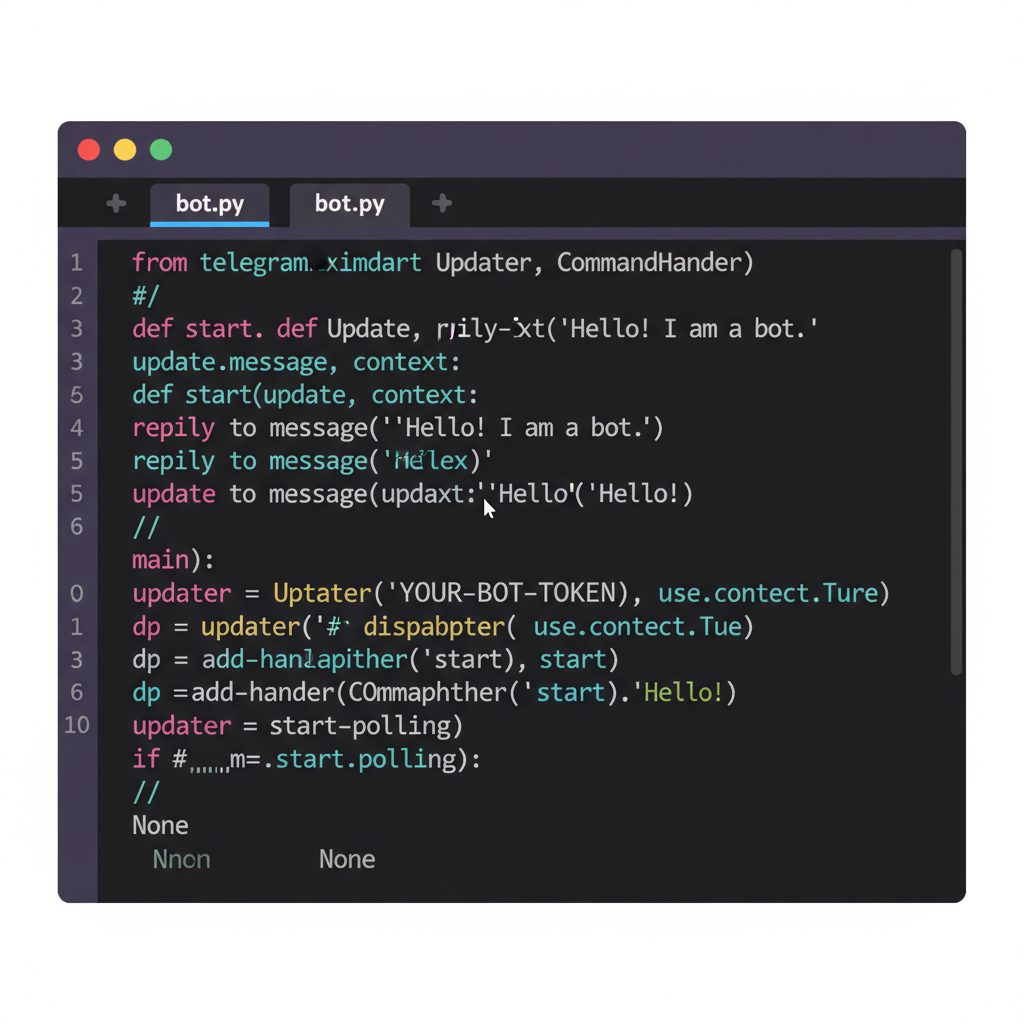
For maximum control and flexibility, nothing beats a custom-coded solution. The process starts with Telegram's own BotFather, a bot used to create new bot accounts and generate API tokens. With a token, a developer can use libraries like python-telegram-bot or Telethon to build a bot that does exactly what they need.
A custom bot allows for direct integration with any internal database, CRM, or proprietary software. You have complete control over the logic, data handling, and privacy. The downside is the need for development resources and ongoing maintenance. You are responsible for hosting, security, and handling API updates.
3h 57m is the average time Android users spend on the Telegram app each month., DataReportal, 2024
When Is a Platform Like Google Dialogflow Necessary?
Dialogflow represents a different class of tool entirely. It is a powerful Natural Language Understanding (NLU) platform. Instead of matching rigid keywords, you train Dialogflow to recognize user intent.
For example, you can train it to understand that "how much does it cost?", "what's the price?", and "send pricing info" all map to the same get_pricing intent. This makes conversations feel far more natural and resilient. Dialogflow is best for large-scale customer service applications where query variations are high. However, the learning curve is steep, and it is the most expensive option. Businesses typically integrate it as part of the Google Cloud platform.
How Do You Choose the Right Auto Reply Bot?
Selecting the right tool starts with a clear audit of your needs. A mismatch between your goals and the bot's features will lead to wasted resources and poor performance.
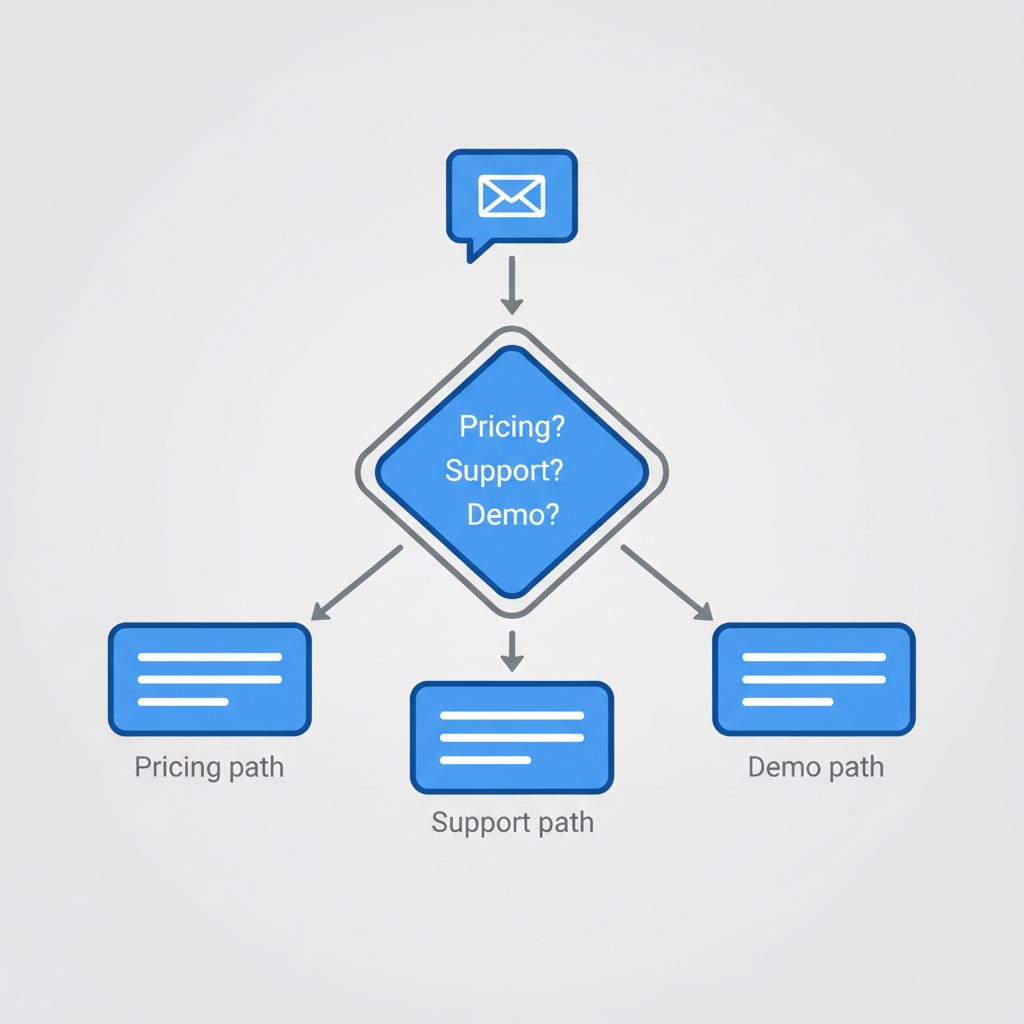
- Define the Primary Goal: Is the bot for lead generation, customer support, or community moderation? The required complexity changes for each. For instance, a sales bot needs to capture contact info, while a support bot needs to route issues to the right department.
- Map Common Conversation Flows: Document the top 5-10 questions you receive. For each, write out the ideal automated response. This simple exercise reveals whether you need simple keyword triggers or complex, multi-step conversational logic.
- Evaluate Technical Overhead: Be realistic about your resources. If you do not have a developer on staff, a no-code visual builder like ManyChat or a managed solution like the tgsoft Multi-Account Manager is a more practical choice than a custom Python project.
- Analyze API Stability and Rate Limits: Review the provider's documentation on how they handle Telegram's API. According to Telegram's official Bot API documentation, bots can send a maximum of 20 messages per minute to the same group. A professional tool will manage these limits automatically to ensure high delivery rates.
Google's Dialogflow doesn't just match keywords; it parses user intent and context. This allows it to differentiate between a user asking "what is the price?" and "what is the price of failure?" This distinction trips up simpler keyword-based auto-responders.
What to do this week
- Export and Categorize Messages: Pull the last 30 days of messages from your primary channel or DM inbox. Manually tag the top 5 recurring questions. This is your foundation.
- Draft a Reply Flow: For your single most common question, sketch out a simple "if-this-then-that" reply on paper. Include the initial reply, a follow-up question, and a final call-to-action.
- Review Telegram's Bot API Docs: Spend 15 minutes reading the introduction to the Telegram Bot API. Understanding the basic concepts of tokens and updates will demystify how all these tools work.
- Create a Test Bot: Use BotFather to generate a test bot and API token. Add it to a private channel you control. This gives you a zero-risk environment to experiment in.
FAQ
Can a Telegram auto reply bot get my account banned?
A poorly built bot that spams users or aggressively messages outside of expected interactions can lead to restrictions or a ban. Bots that operate within Telegram's terms of service by responding to user-initiated messages are generally safe. The risk comes from unsolicited outreach, not auto-replies.
How much does a good auto reply bot cost?
Costs range from free to thousands per month. Native tools like BotFather are free but require coding. Visual builders like ManyChat often have free tiers with paid plans from $15/month. Enterprise NLU platforms like Dialogflow are priced based on usage and can run into hundreds or thousands of dollars.
Can I use one bot for multiple Telegram channels?
Yes, most professional bot platforms and custom solutions are designed to operate in multiple channels or groups simultaneously. The key is a management interface, like the one in the tgsoft Multi-Account Manager, that allows you to configure rules and view interactions for each channel separately.
What's the difference between an auto reply bot and a chatbot?
The terms are often used interchangeably. However, an "auto reply bot" typically refers to a simple system based on keyword triggers. A "chatbot" implies a more complex system capable of multi-turn conversations, state management, and often integrating NLU to understand intent.