12 Best Telegram Auto Reply Software Tools for 2026
Last updated: October 2026
The best Telegram auto reply software includes AutoResponder for mobile, ManyChat for business chatbots, and Python for custom bots. Choosing the right tool depends on your goal. For instance, managing customer service on one channel requires a different solution than running automated outreach across many accounts.
Telegram auto reply software is a tool that automatically sends pre-set responses to incoming messages. These applications range from simple keyword responders on a phone to complex AI chatbots that manage entire customer conversations.
As a result, many companies use these tools to provide instant support and manage communications at scale. Research from Tidio shows that a majority of consumers are open to this approach.
The market offers over a dozen distinct tools, from no-code apps to developer frameworks. Each is suited for different skill levels, scales, and budgets.
What is Telegram Auto Reply Software?
- Term: Telegram auto reply software
- Definition: Applications or scripts that automate responses to messages received on a Telegram account or channel.
- Why it matters: Automating replies saves time, provides instant customer support, and helps qualify leads. This allows businesses and individuals to manage communication at scale without constant manual work.
How Did We Choose These Tools?
We evaluated software based on four criteria for channel owners and marketers:
- Primary Use Case: Is the tool built for customer support, lead generation, mass outreach, or simple personal replies?
- Platform & Skill Level: Does it run on mobile or desktop? Does it require coding knowledge or is it a no-code visual builder?
- Scalability: Is it designed for a single account or can it manage multiple Telegram accounts efficiently?
- Pricing Model: Is it free, open-source, a one-time purchase, or a recurring subscription?
How Do the Top Telegram Auto-Reply Tools Compare?
| Tool | Best For | Price Model | Key Limitation |
|---|---|---|---|
| 1. AutoResponder for TG | Simple, rule-based replies on Android | Freemium | Mobile-only, limited to one account |
| 2. ManyChat | Visual chatbot building for businesses | Freemium, paid plans from $15/mo | Can become expensive as subscriber count grows |
| 3. Dialogflow | AI-powered, complex conversational flows | Pay-as-you-go (generous free tier) | High learning curve; requires integration work |
| 4. TgSoft Automator | Multi-account scheduled actions & outreach | Subscription | Not a conversational chatbot builder; focuses on actions |
| 5. Python (Telethon/Pyrogram) | Ultimate flexibility and custom logic | Free (hosting costs may apply) | Requires strong programming skills |
| 6. Make.com | Connecting Telegram to other apps | Freemium, paid plans from $9/mo | Logic is constrained by pre-built modules |
| 7. Zapier | Simple trigger-action automations | Freemium, paid plans from $19.99/mo | Less flexible and more expensive than Make for complex tasks |
| 8. BotFather & Custom Code | Building official, shareable Telegram bots | Free (hosting costs may apply) | Requires a developer and server infrastructure |
| 9. IFTTT | Basic, single-step personal automations | Free, paid Pro plans | Very limited logic; not suitable for business use |
| 10. Tiledesk | Open-source customer support chatbots | Open-source (free), paid cloud plans | Requires self-hosting or a paid plan; more complex setup |
| 11. Chatfuel | No-code bots for lead gen and sales | Freemium, paid plans from $14.99/mo | Primarily focused on Facebook Messenger; Telegram is secondary |
| 12. SPAMLY | Aggressive, high-volume messaging | One-time purchase | High risk of account bans; violates Telegram ToS |
What Are the Best Telegram Auto Reply Tools?
Here is a breakdown of each tool, its ideal user, and its primary constraints.
1. AutoResponder for TG
AutoResponder for TG is an Android app for simple, rule-based auto-replies. You create rules that watch for keywords and trigger a pre-written response. The app works by reading notifications, so it does not need API access.
- Best for: Individuals or micro-businesses setting up basic away messages or answering common questions on a single mobile account.
- Price: Freemium. The free version has ads. The pro version is a one-time purchase.
- Limitation: The app depends on the Android notification system. If notifications are off, the bot will not trigger. It cannot perform complex actions.
2. ManyChat
ManyChat is a popular visual chatbot builder for creating interactive conversations without code. It supports Telegram, Instagram, and Messenger. You can use it to qualify leads, answer FAQs, and guide users through a sales funnel. Its drag-and-drop editor makes it easy to build complex bots.
- Best for: Small to medium-sized businesses that need a strong chatbot for customer engagement and marketing on their main channel.
- Price: Freemium model. The free plan has a subscriber limit. Paid plans start at $15 per month and scale with contacts.
- Limitation: The cost can grow quickly as your subscriber list increases. While powerful, it operates within its own platform, which limits custom integrations.
3. Dialogflow by Google
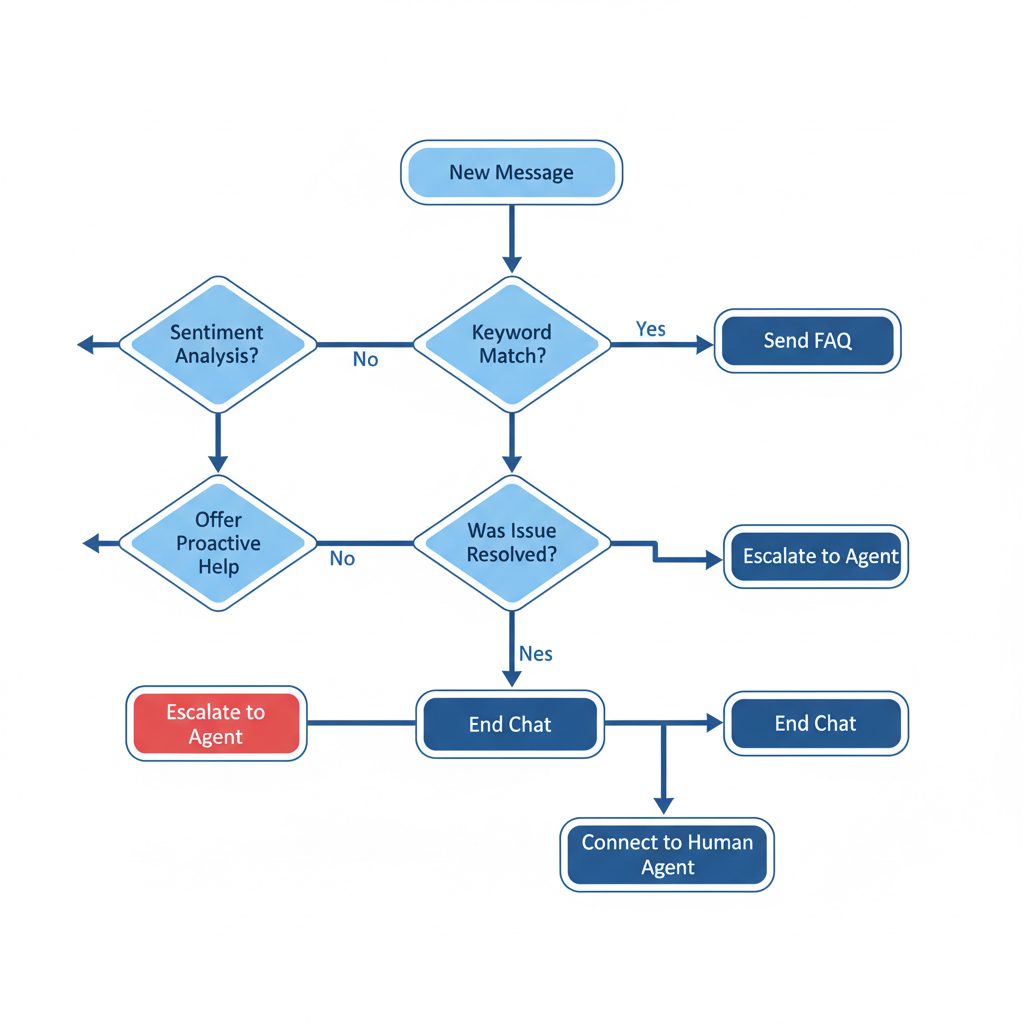
Dialogflow is an enterprise-level platform from Google for understanding language. It is a framework for building advanced AI chatbots that understand user intent, context, and feeling. You design the conversation, and Dialogflow handles the AI.
Dialogflow allows you to build rich, intuitive conversation experiences. It provides users with new ways to interact with your product by building voice and text-based conversational interfaces powered by AI., Google Cloud
- Best for: Developers and large businesses creating intelligent virtual assistants for complex, multi-turn conversations.
- Price: Pay-as-you-go with a large free tier. Google Cloud bases costs on the number of requests processed.
- Limitation: The learning curve is steep. It requires significant development work to connect with Telegram and build a working agent. This is not a plug-and-play solution.
How Is TgSoft Automator Different?
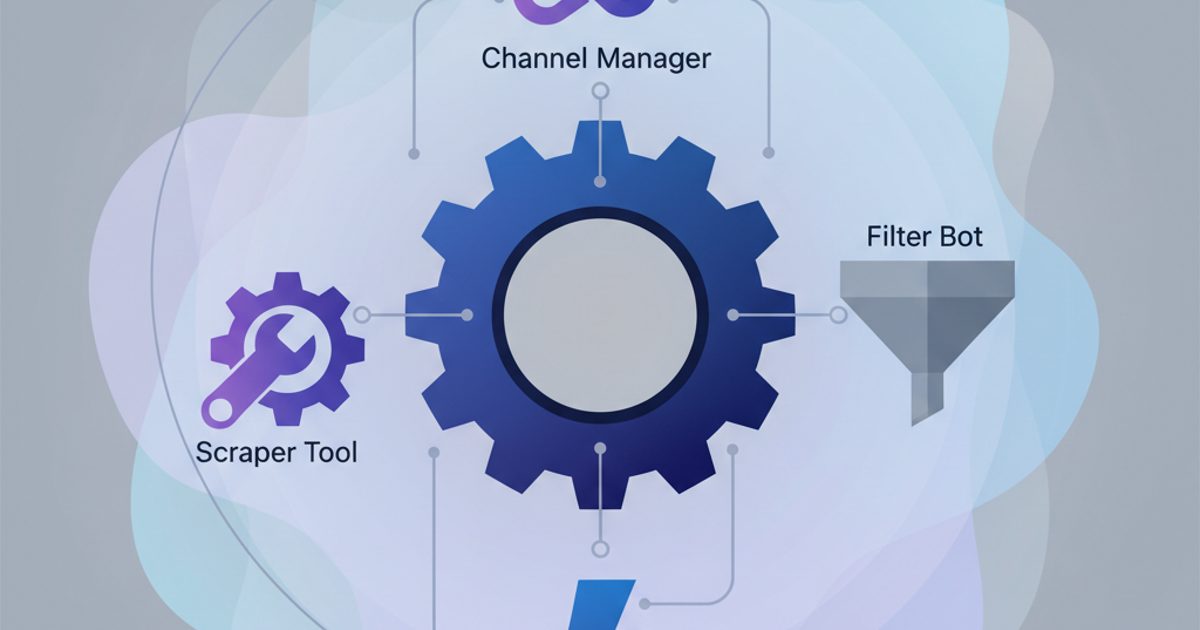
TgSoft's Automator tool approaches automation from a different angle. It is not a conversational chatbot builder for a single channel. Instead, it is a desktop application for operators who need to perform scheduled actions across many Telegram accounts at once.
The Automator is built for tasks related to direct outreach and managing multiple Telegram accounts. It is not designed for inbound customer service. For example, you could load 50 accounts and configure each to send a specific follow-up message to their last 10 contacts at a set time. This workflow is completely different from a chatbot that waits for an incoming message to reply.
- Best for: Marketers and agencies performing scheduled outreach, account management, and other bulk actions across a pool of accounts.
- Price: Subscription-based, included with the main TgSoft license. See the pricing page for current details.
- Limitation: It does not create conversational bots that reply based on inbound message content. It only runs pre-programmed, scheduled tasks.
5. Python (with Telethon or Pyrogram)
For full control, you can write your own auto-reply bot using Python and a special Telegram library like Telethon or Pyrogram. These libraries interact directly with Telegram's API. This allows you to build any logic you can imagine, from a simple keyword replier to a complex system that connects to databases and other APIs.
- Best for: Developers and technical users who need complete customization and are comfortable with coding and running their own server.
- Price: The libraries are free and open-source. You only pay for the server or cloud service where you host the bot.
- Limitation: This method requires significant technical skill. You are responsible for all coding, deployment, maintenance, and error handling. See the official Telethon documentation for setup details.
6. Make.com
Make.com is a powerful visual automation platform that connects thousands of apps. Its Telegram integration lets you watch for new messages and trigger actions in other apps (like Google Sheets or a CRM) or send a reply. Its visual, flowchart-style editor is intuitive for workflows connecting multiple apps.
- Best for: Businesses and power users who need to connect Telegram with their existing software for multi-app workflows.
- Price: Freemium. Paid plans start at $9 per month and are based on the number of operations.
- Limitation: While flexible, you are limited by the available modules on the Make platform. Highly specific tasks often require custom code.
7. Zapier
Zapier is another popular automation tool that connects web apps. It uses a simple "Zap" model: "When this happens in Telegram, do that in another app." It is extremely user-friendly and supports thousands of applications. You can use it to get notifications, save media to cloud storage, or send simple replies.
- Best for: Non-technical users who need to create simple, one-step automations between Telegram and other popular services.
- Price: Freemium. Paid plans start at $19.99 per month (billed annually) and are based on the number of tasks.
- Limitation: Zapier's free tier is limited. Its per-task pricing can become more expensive than competitors like Make for high-volume workflows.
8. BotFather & Custom Code
Using BotFather with custom code is the official method for creating a Telegram bot. First, you register your bot with @BotFather, a bot provided by Telegram, to get an API token. Then, a developer uses that token to write code that defines the bot's behavior. This is the foundation for most commercial bots.
Use @BotFather to create new bot accounts and manage your existing bots. It offers a simple interface for creating, editing, and deleting bots, as well as managing their API keys., Telegram Core Bots API
- Best for: Anyone wanting to build a standalone, shareable bot that other users can add to their chats or channels.
- Price: Registering the bot is free. You are responsible for all development and hosting costs.
- Limitation: This is purely a developer's tool. BotFather provides the key, but you or a hired developer must build and host the entire application.
9. IFTTT
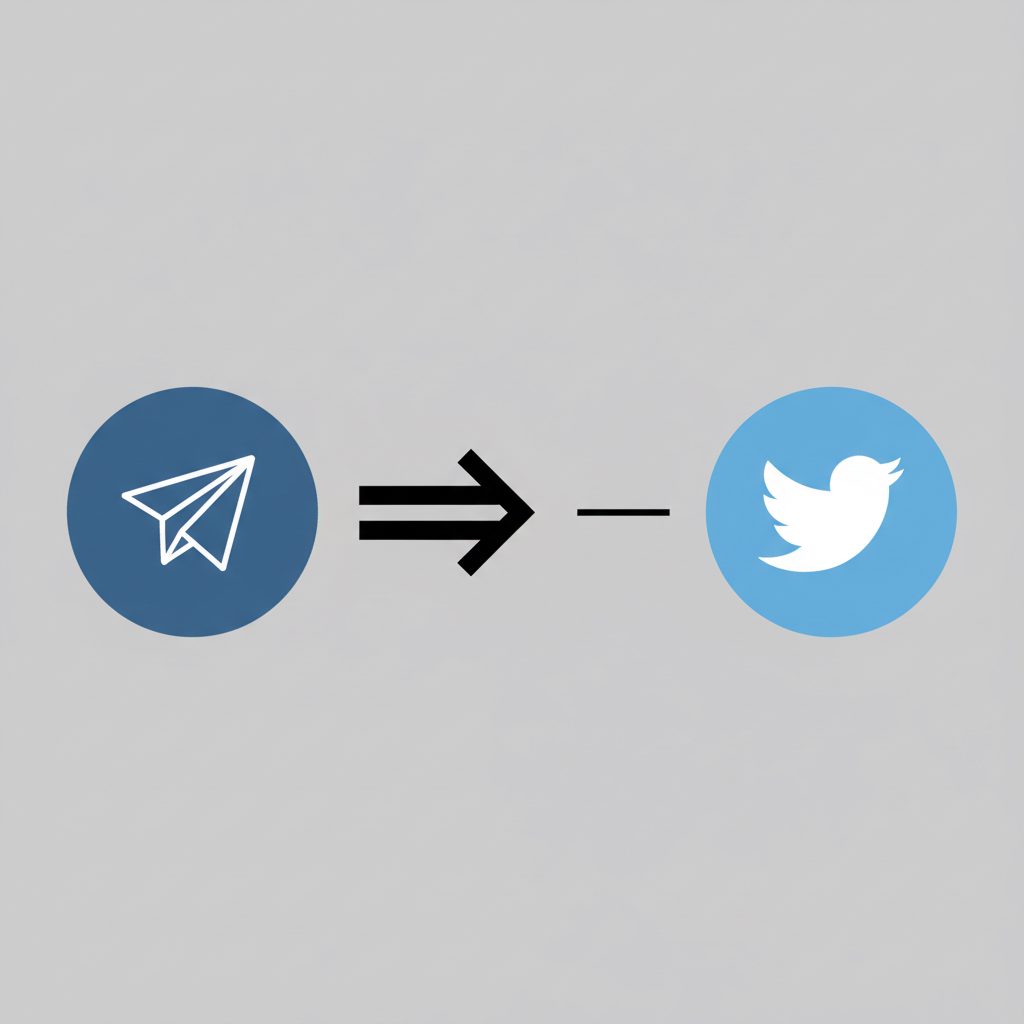
IFTTT (If This Then That) is one of the oldest and simplest automation services. It connects services with "Applets." For example, an Applet could state, "If I post a new message in my Telegram channel, then share it to my Twitter feed." Its Telegram integration is basic but functional for personal use.
- Best for: Individuals looking for simple, one-to-one automations for personal productivity or social media cross-posting.
- Price: IFTTT offers a limited free plan. Pro plans with more Applets and faster execution are available for a monthly fee.
- Limitation: The logic is extremely limited. It does not support multi-step workflows or complex replies, making it unsuitable for most business uses.
10. Tiledesk
Tiledesk is an open-source platform for customer chat on many platforms, combining live chat and chatbots. It offers a Telegram integration, allowing you to deploy chatbots you build on its platform directly into Telegram. Because it is open-source, you can host it on your own servers for full control and data privacy.
- Best for: Companies that want an open-source, self-hosted solution for customer support automation, with the option of a managed cloud service.
- Price: Free if self-hosted. Paid cloud plans are available with additional support and features.
- Limitation: Self-hosting requires server administration skills. The platform focuses more on customer support than on marketing or sending messages.
11. Chatfuel
Chatfuel is a popular no-code chatbot tool known for its deep integration with Facebook Messenger. It also supports Telegram, allowing users to build conversational bots for sales, support, and marketing. It provides templates and a visual editor to simplify the creation process.
- Best for: Marketers familiar with the Chatfuel platform who want to expand their existing chatbot strategy to Telegram.
- Price: Freemium with a small contact limit. Paid plans start at $14.99 per month and scale with subscribers.
- Limitation: Its feature set for Telegram is less developed than for Messenger. The platform's primary focus remains on Meta's products.
12. SPAMLY
SPAMLY is a tool sold on forums and designed for high-volume, unwanted messaging. It automates sending DMs to scraped user lists and often includes features to bypass Telegram's anti-spam filters. It is a tool for aggressive, high-risk marketing tactics.
- Best for: Users in high-risk marketing campaigns who accept the consequences.
- Price: Typically a one-time license fee.
- Limitation: Using such a tool breaks Telegram's Terms of Service. This carries an extremely high risk of having your accounts and channels permanently banned. This is not a sustainable plan for real businesses.
What Should You Do Before Choosing a Tool?
Before you commit to any Telegram auto reply software, take these steps to prepare:
- Define Your Goal: Are you trying to reduce support tickets, qualify leads, or send bulk marketing messages? The right tool for one is the wrong tool for another.
- Understand the Rules: Read Telegram's Terms of Service, especially regarding spam and automation. Aggressive outreach can lead to account bans.
- Start Small: Test your chosen tool with a non-critical account. Configure a few simple rules to understand its behavior before using it on your main channel.
- Calculate the True Cost: Factor in hosting, subscription fees, and development time. A "free" open-source tool can be expensive if it takes weeks of developer time to set up.
- Plan for Failure: What happens if the service goes down or your bot stops working? Have a manual backup process, especially if the bot is critical for customer service.
Using automation for spam is the fastest way to get your account banned; using it for service is the fastest way to build loyalty.
For operators focused on scaling outreach across many accounts, a tool like the Automator is built for that workflow. For building a single, smart chatbot, a platform like ManyChat or a custom Python script is more appropriate.
Frequently Asked Questions
Can I get banned for using a Telegram auto reply bot?
It depends on how you use it. Using a bot for customer service or helpful automation in your own channel is safe. However, using software to send unsolicited bulk messages (spam) to users is a fast way to get your account banned by Telegram.
Is there an official auto reply feature in Telegram?
No, Telegram does not have a native auto reply feature for regular user accounts. However, Telegram Business accounts, which became available in early 2024, include greeting and away messages. A Telegram blog post confirms you can set these messages to send automatically. For more complex logic, you must use a third-party app or build a bot.
How do auto reply apps for Telegram work on Android?
Most Android auto-reply apps request permission to read your device's notifications. When a new Telegram notification arrives, the app reads its content. If it matches a rule you've set, it sends a reply. This means they do not use the official Bot API and only work when the phone is on and receiving notifications.
Can I use auto reply software on multiple Telegram accounts?
Most simple apps (like AutoResponder) are limited to one account. To manage actions across multiple accounts, you need specialized Telegram multi-account software for PC like TgSoft's suite or by running multiple instances of a custom-coded bot.
What's the difference between a userbot and a regular bot?
A regular bot uses the Bot API, has a /start command, and cannot initiate conversations. A userbot automates a regular user account using the client API. Userbots are more powerful but also carry a higher risk of being banned if used for spammy behavior, as they are acting as a normal user.
What to do this week
This week, identify your primary goal for automation (e.g., answering FAQs, lead generation). Then, sign up for a free trial of a no-code tool like ManyChat or AutoResponder for TG. Build and test one simple rule-based reply. This will clarify your needs before you commit to a paid or complex solution.